
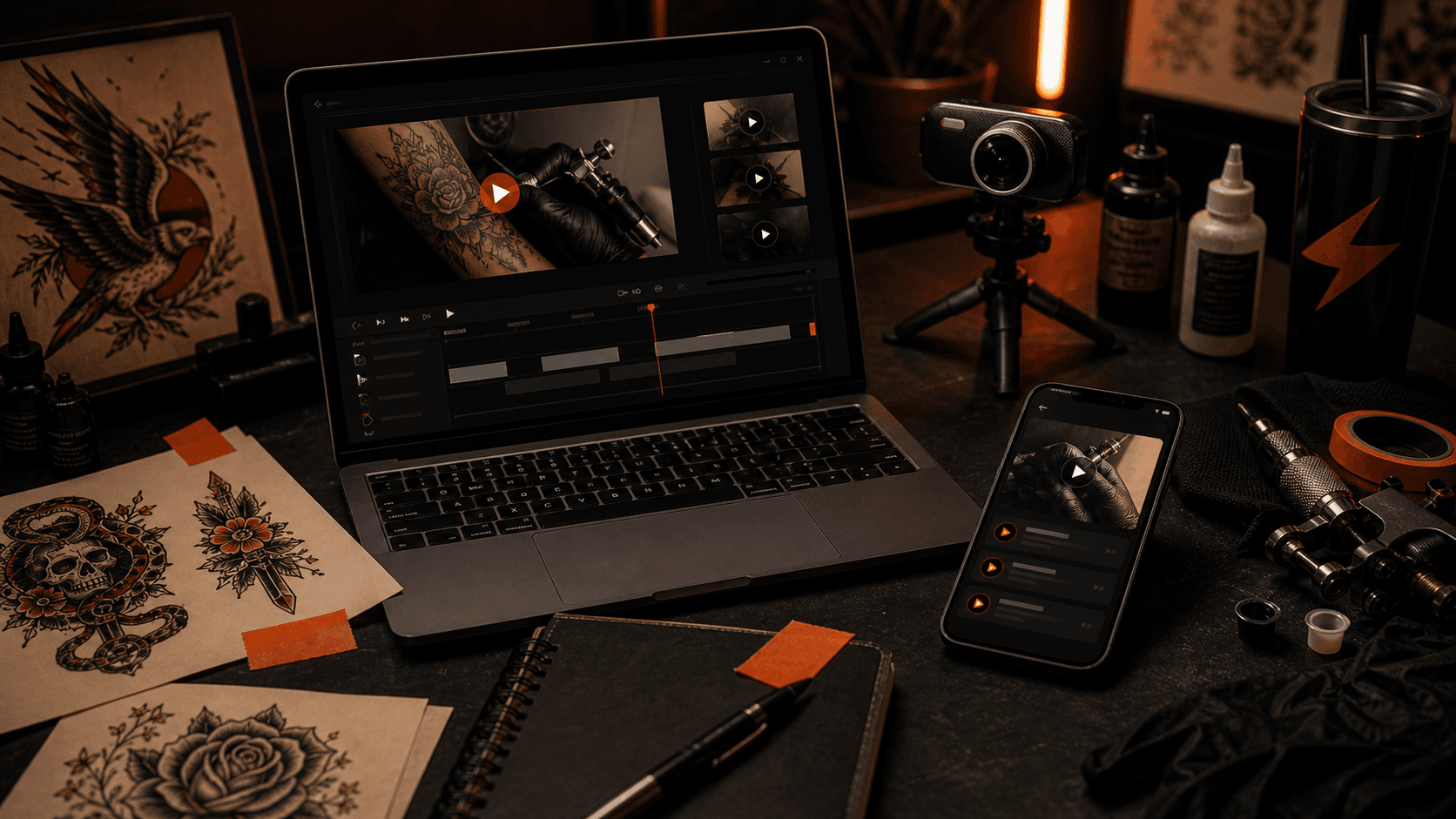
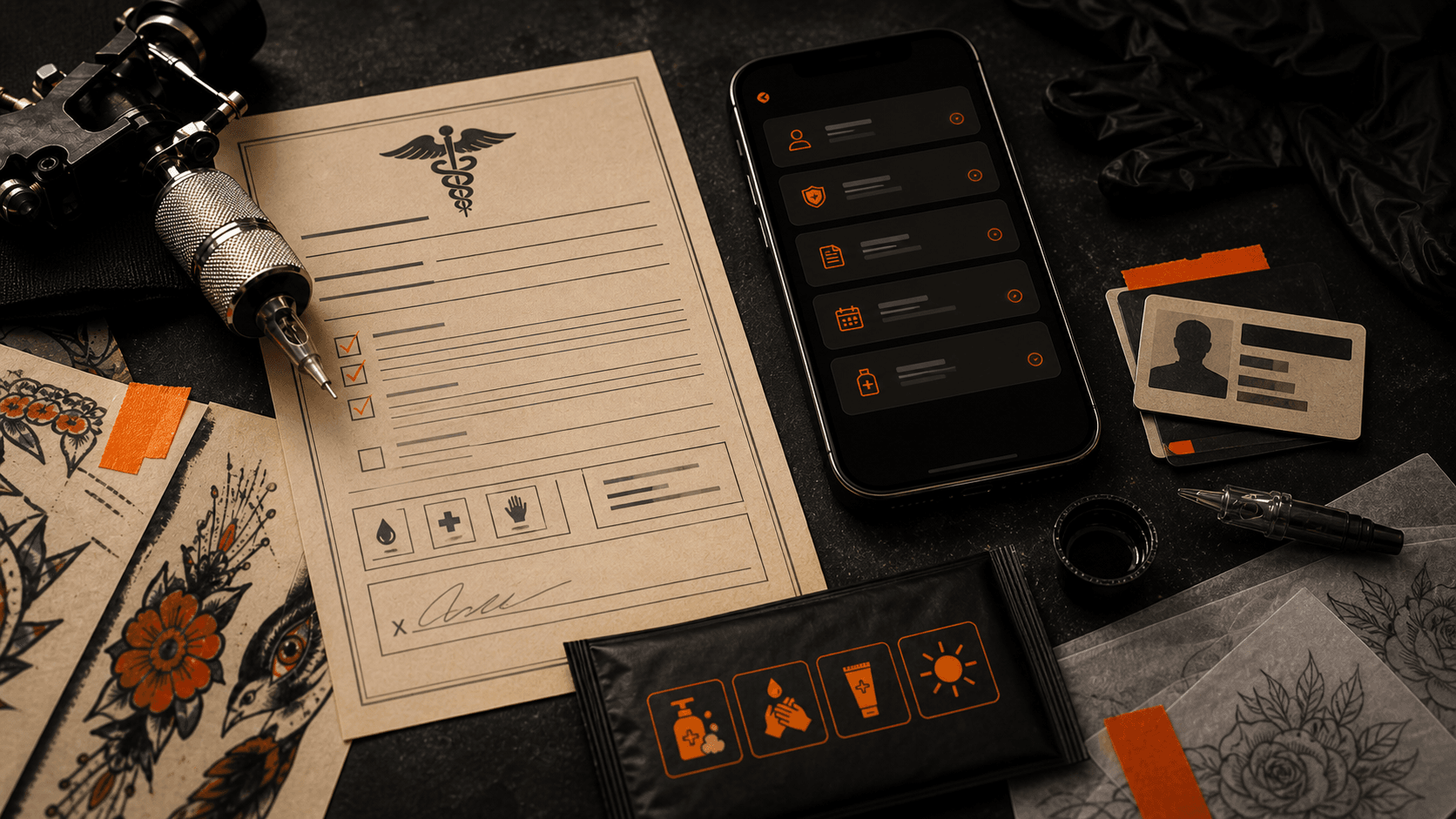
Bzzz.ink Mag AI generated editorial image for a planned demo and tutorial video system note.
Notes from the Shop / May 20, 2026 / 6 min read
Bzzz.ink Demo And Tutorial Video System
The Bzzz.ink demo and tutorial video system plan is to give tattoo artists clear walkthroughs for setting up their artist page, booking flow, flash listings, shop products, Stripe payments, client messages, and future app features without guessing through the dashboard.
More in BZZZ NotesA product can have the right features and still fail people if nobody can figure out how to use it. That is especially true for tattoo artists, because the app is not the work. The work is tattooing, drawing, booking, answering clients, setting up flash, taking care of people, and getting paid without spending the whole day inside software.
Why tutorial videos matter.
The first job is making Bzzz.ink useful. The second job is making it obvious. If an artist has to guess where to connect Stripe, how to add flash, what the client sees, or how the shop products work, the product is already asking for too much patience.
Tattoo artists do not need another mystery dashboard. They need short, direct walkthroughs that show the real screen, the real button, the real client path, and the reason each setup step matters. A five minute video can save more frustration than another long help page if it is built around the way artists actually work.
That is why the tutorial system belongs on the roadmap now. Bzzz.ink is still alpha, and alpha software needs honest support. If something breaks, artists should know where to report it. If something is new, artists should see how to use it. If a feature makes money, the tutorial should show the path from setup to sale.
What exists now.
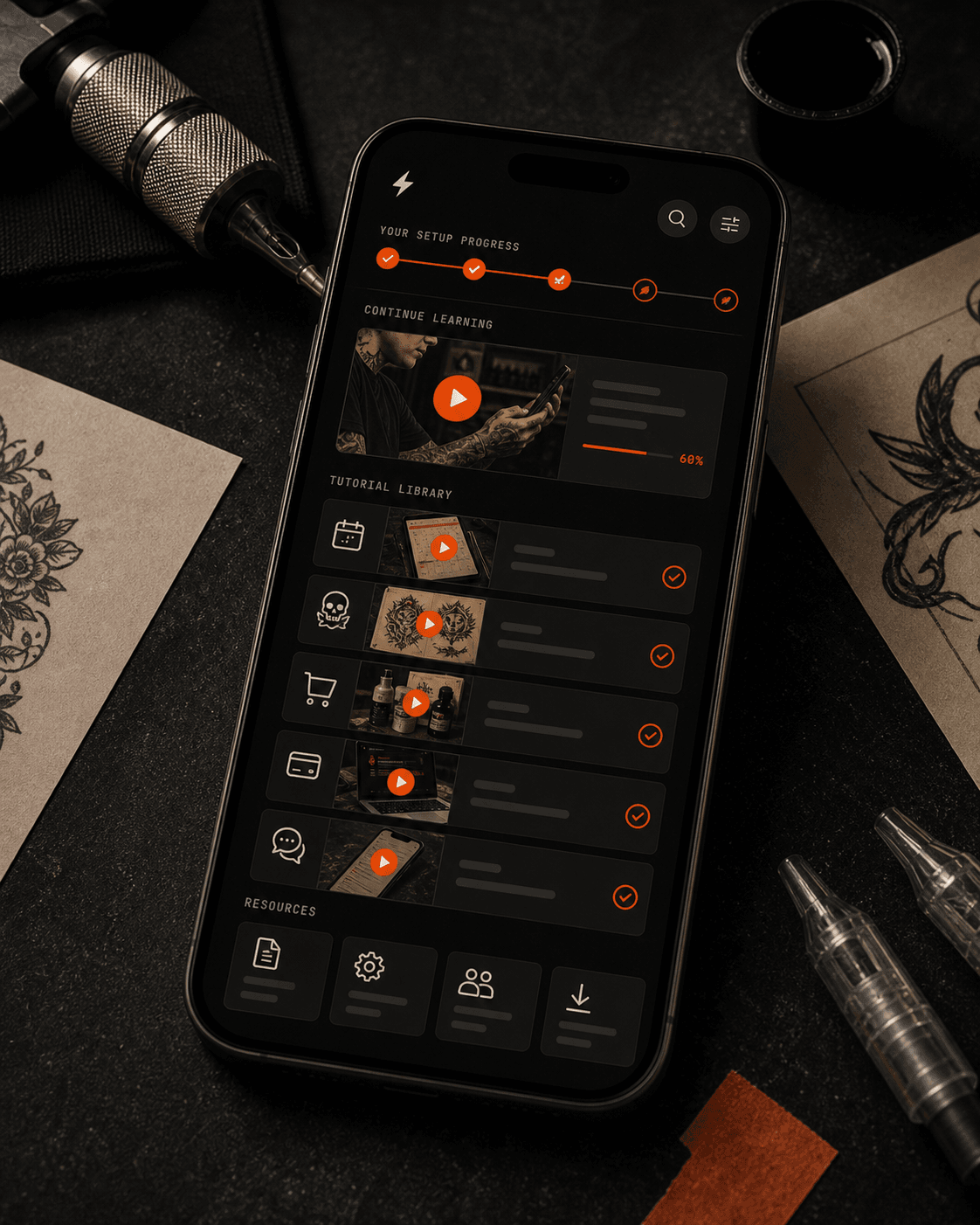
Right now the product has public paths artists can use to understand the shape of Bzzz.ink, including the demo page, the artist page direction, the dashboard work, and the Mag notes explaining what is being built next.
That is enough to show the idea, but it is not enough to teach every setup path. The next support layer needs to show how an artist moves from sign up to a real page, then from a real page to booking requests, flash listings, shop products, Stripe payments, client messages, and customer support.
The goal is not polished marketing videos that hide the rough parts. The goal is useful walkthroughs that make the product easier to use while it is still growing.
The video system needs these pieces.
Short setup walkthroughs
Artists need quick videos for the first hour: create an account, build the page, add portfolio work, add flash, connect payments, and send the link out.
Feature-specific videos
Each money path needs its own walkthrough: booking requests, flash sales, digital products, merch, tips, gift cards, affiliate links, and client inbox replies.
Real product screen recordings
Videos should use the live product or a clearly labeled future concept. Artists should not have to decode fake interface shots that do not match what they see.
AI-assisted help library
AI can help turn tutorials into searchable help, captions, scripts, short clips, and update notes, but the final advice still has to match the real product.
What the first videos should cover.
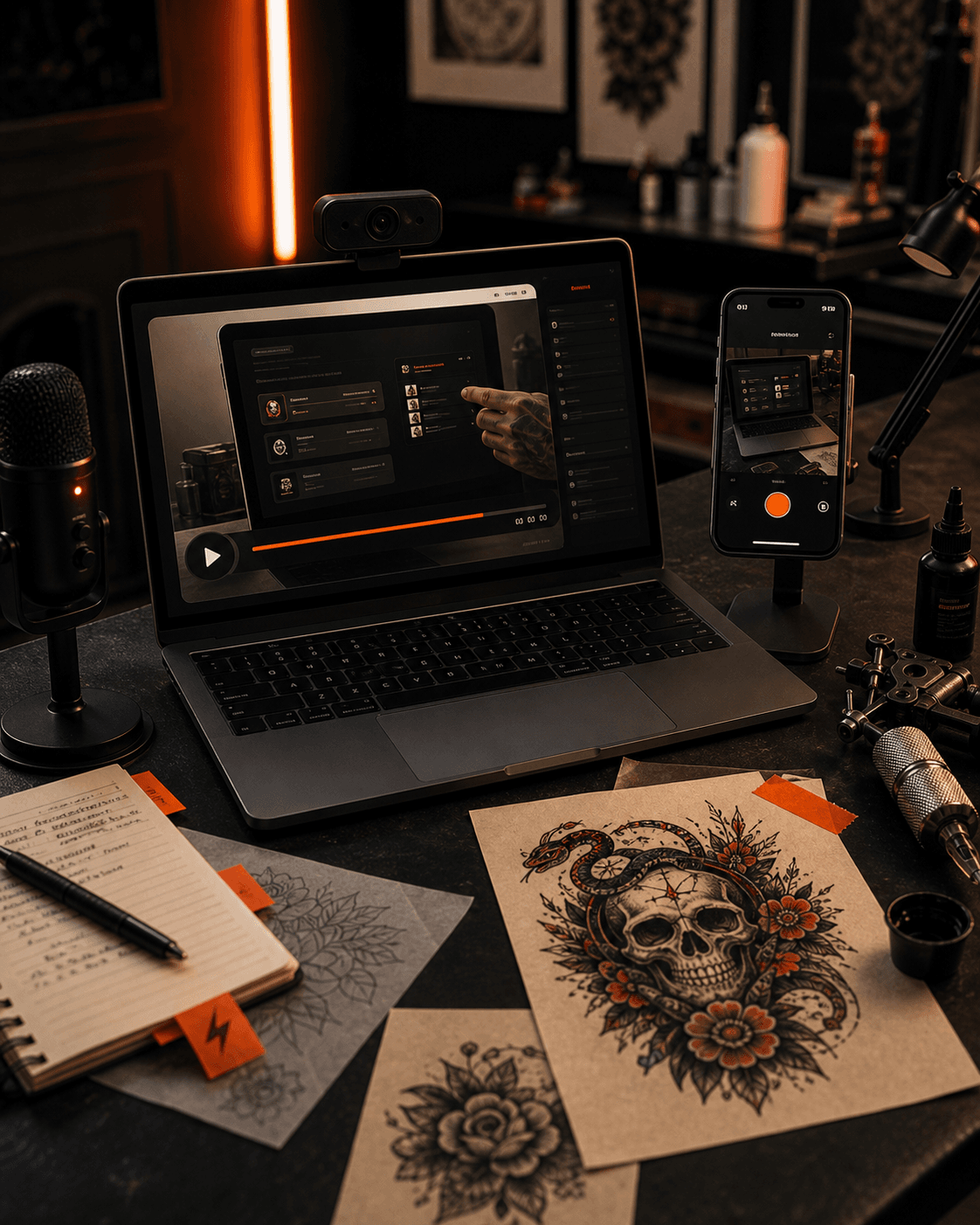
The first batch should stay close to the money paths and the support paths. How to set up the artist page. How to add flash that can sell as a digital product. How to add merch or shop items. How to connect Stripe. How to use client messages. How to export data. How to send people to the right link without burying the sale in DMs.
Then the tutorial library can follow the roadmap: mobile app setup, marketplace listings, stronger consent records, aftercare flows, community use, direct product links, better notification habits, and the eventual tutorial path for studios.
The standard should be simple: if a feature can make an artist money, save time, protect records, or reduce confusion, it probably needs a video. If a video cannot show the real path clearly, the feature probably needs product work too.
The videos have to stay current.
A tutorial is only useful if it matches the product an artist is actually using. If a button moves, a payment step changes, or a new feature ships, the walkthrough has to be updated instead of sitting there like old shop paperwork nobody trusts anymore.
That is the standard I want for Bzzz.ink support: short videos, clear steps, real screens, and plain language. No polished maze. No ten minute intro before the answer. Just show the artist where to click, what the client sees, what happens after payment, and what to do if something feels off.
The long term version is a support library that grows with the product. Setup videos, feature walkthroughs, quick answers, release notes, and practical examples should all point back to the same thing: helping artists use the app without losing time they should be spending on the work.
What I need artists to tell me.
The best tutorial list will come from the places artists get stuck. If you connect Stripe and something feels weird, that should become a better video. If adding flash is unclear, that should become a clearer walkthrough. If the client side makes sense to you but not to your clients, that is a support problem too.
I want Bzzz.ink to be the kind of product where the support library grows from real questions, not guesses. The fastest way to make that happen is to tell me what confused you, what you expected to happen, and what video would have saved you time.
Send tutorial requests through contact, or use the community if you are in Pro or Studio. The tutorial system should be built around real setup pain, not polished startup theater.
Tutorial video questions.
Is the Bzzz.ink tutorial video system live right now?
No. Bzzz.ink has a public demo and live product flows, but the fuller tutorial video system is a planned support layer for setup, feature walkthroughs, and artist onboarding.
What will the tutorial videos cover first?
The first videos should cover artist page setup, flash listings, shop products, Stripe payments, booking requests, client messages, exports, and the client-facing page.
Will the videos use the real product?
Yes. The useful videos should use real Bzzz.ink screens whenever possible. Future concepts should be clearly labeled so artists know what is live and what is planned.
Can artists request tutorial topics?
Yes. Artists can send setup questions and tutorial requests through the contact page, and Pro or Studio artists can use the community as that feature grows.
Start here
The public demo is the starting point for showing what the product looks like before a fuller tutorial system ships.
Open sourceThe solo artist page explains the workflow the tutorial system will need to teach clearly.
Open sourceTell Bzzz.ink which setup video, walkthrough, or support article would help most.
Open sourceMagazine navigation
Move through the archive
Have a shop update, convention note, artist story, or tattoo industry tip Bzzz.ink should cover?
Send it to Bzzz.ink Mag